 by
by CogniFit’s brain training programs provide each user with the activities they need in order to train a certain set of skills. However, some users may find that they prefer to practice or train with our brain games outside of the training programs.
If you choose to play our brain games, please keep in mind that you are not doing our brain training program. Learn more about the difference between training and playing in our “Train vs Play” article.
To enjoy CogniFit games, you have to register on our platform.
If you just want to play one specific game without completing a full training session, simply follow these steps:
1. If you are using a computer
Note: You can play any game up to level 2.0 for free. To continue playing, you have to purchase a subscription.
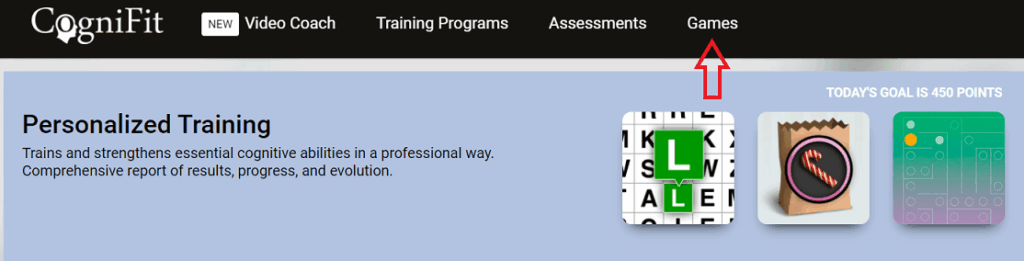
1.1 Log in to your account and click on the Games option in the top bar of the screen.
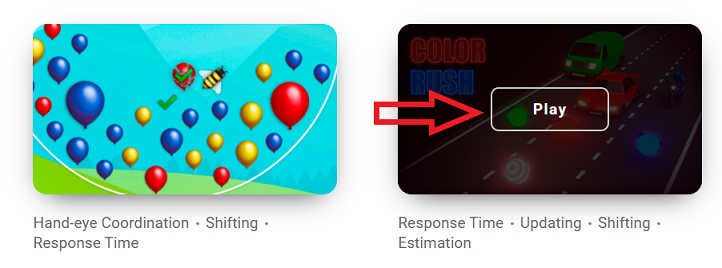
1.2 A page with all of our brain games will appear. Scroll through the page to find the brain game you want, hover your mouse over the selected game adn click Play when you’re ready to get started
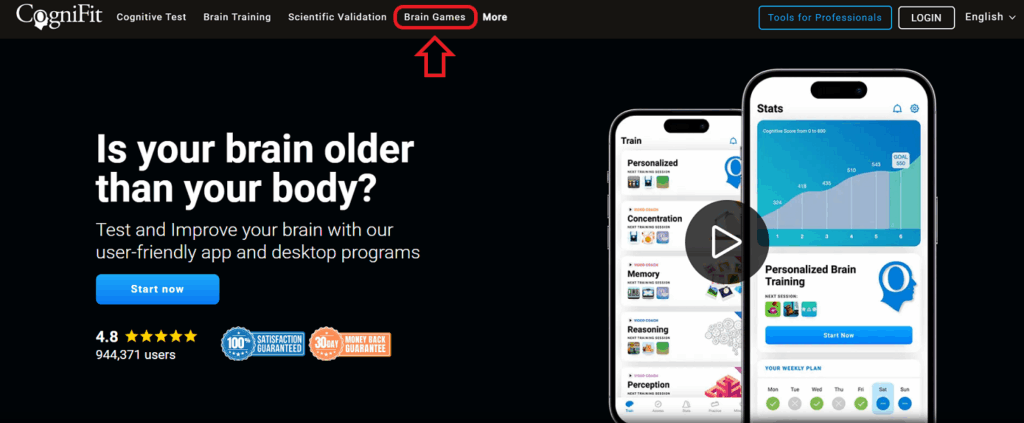
Note: You can also access the games by selecting the “Brain Games” menu option from the CogniFit home page.
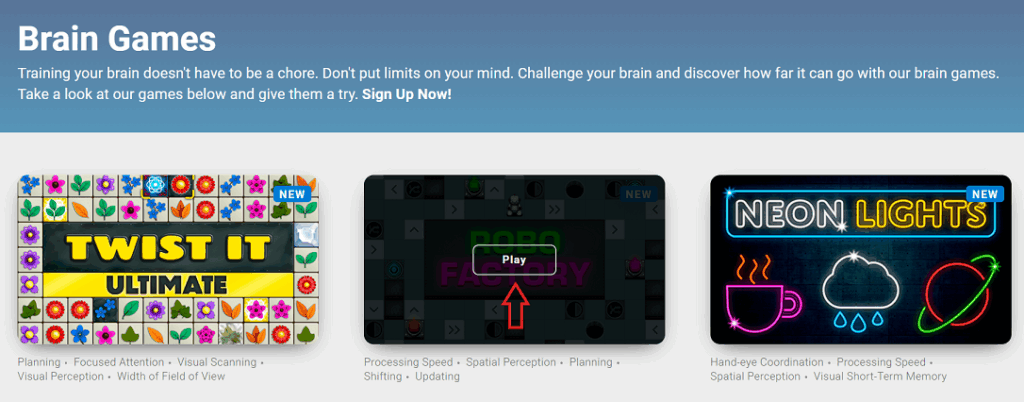
On the page that opens, you will see a list of the games available in CogniFit. Click on any game and access the registration/login page.
2. If you are using the mobile app
Note: To enjoy our games in the app, you need to purchase a subscription.
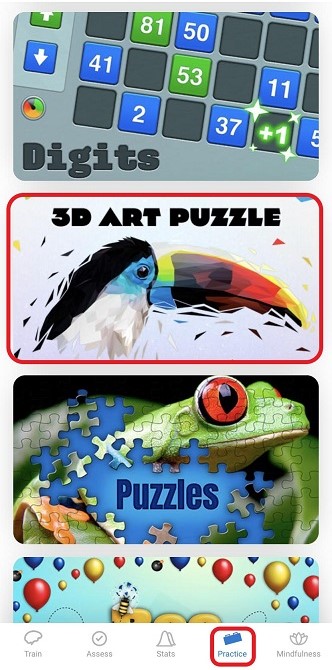
2.1 Log in to your account. On your mobile device, click on the ‘Practice‘ menu icon on the bottom of your screen. A screen with all of our brain games will appear. Scroll through the page to find the brain game you want. Click on the game’s tile when you’re ready to get started.
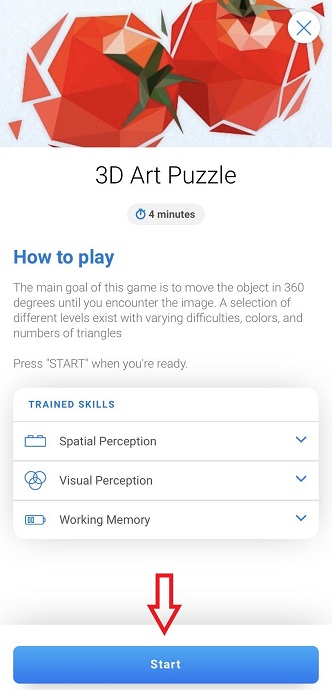
2.2 Click the Start button to launch the game.
If you have any questions, you can contact our support team by sending an email to support@cognifit.com.