 by
by Registry:
Registration, or sign up, is the process of creating an account and getting started with the program. It allows the user to create their own personal profile where they can evaluate and train their cognitive skills or, in the case of a professional, to manage users from their platform.
This simple, free registration process will grant the user access to their personalized platform dashboard. Here, they can find a selection of free games and the overview of the platform, even without full access to the products.
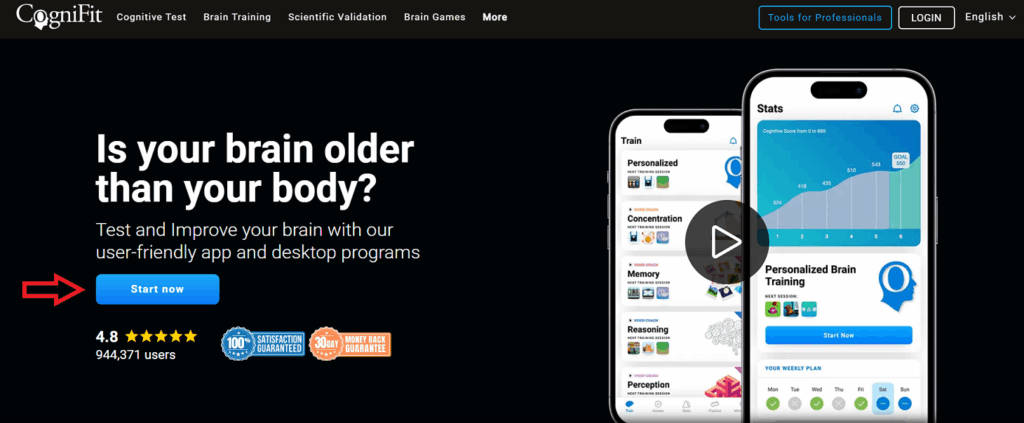
To register as an individual user you have to create a new profile by clicking the Start Now button that appears on the screen:
To information on how to register a family or professional account, you can read the following articles:
- How to create a CogniFit account for Healthcare Professionals?
- How to create a CogniFit account for Researchers?
- How to create a CogniFit account for Educators?
- How to create a CogniFit account for Families?
Subscription:
Subscription is the process of purchasing the CogniFit service. In order to access CogniFit products, whether they are evaluations and/or training, the user must be registered and access the license purchase process. Each of the CogniFit products has a cost either per unit or per month. To acquire them, you will need to be subscribed and pay a monthly, annual, or per-use cost.