 by
by If you have purchased a subscription to CogniFit through our iOS or Android app and are unable to view the purchase, you will need to restore that purchase through the following steps:
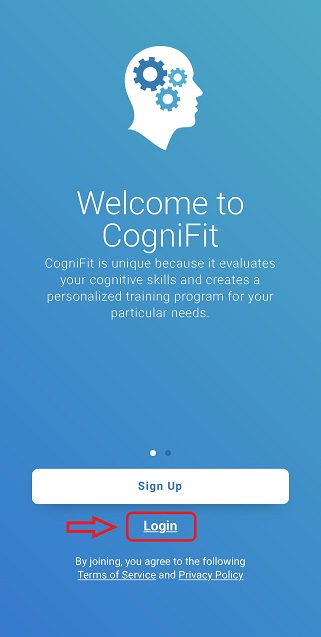
1. Log in to your account in the CogniFit app.
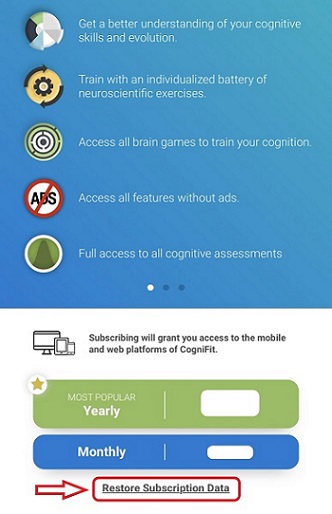
2. Go to the subscription payment page, following section 2 of this article.
3. On the payment page that opens, click on “Restore Subscription Data“.
If you have any questions you can contact our support team by sending an email to support@cognifit.com