 by
by
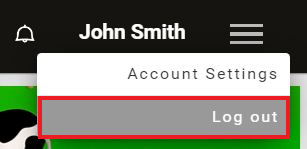
1. If you are using a computer
1.1 Click on the menu icon on the top-right corner of your screen.
1.2 Choose the option that says Log out.
2. If you are using the mobile app
2.1 Open the CogniFit app and tap on the Account icon at the top right of the screen.
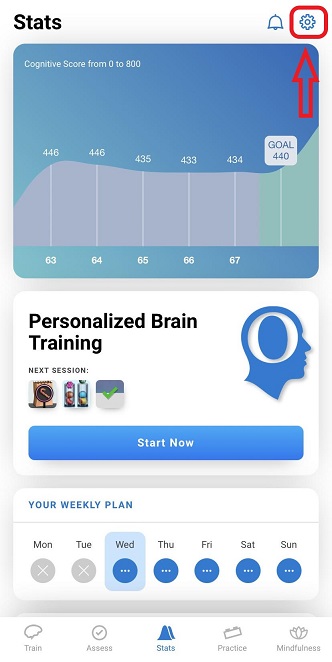
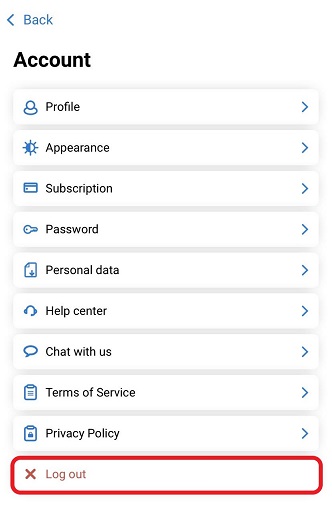
2.2 Next, tap on the Log Out button at the bottom of the list.
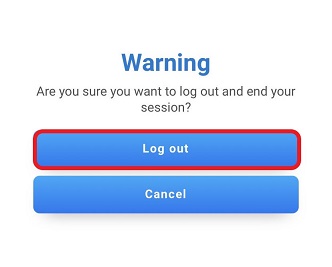
2.3 Next, a warning screen will appear. Tap the Log out button to confirm your decision.
If you have any questions, you can contact our support team by sending an email to support@cognifit.com.