 by
by Using your assessment results and your ongoing performance, CogniFit’s patented methodology automatically builds an optimal brain training regimen that matches your cognitive needs. This means that, during the training sessions, the system specifically selects for you the tasks and level of difficulty that are the most appropriate for your unique cognitive profile.
However, when you simply play a game, you can select your game level.
1. If you are using a computer
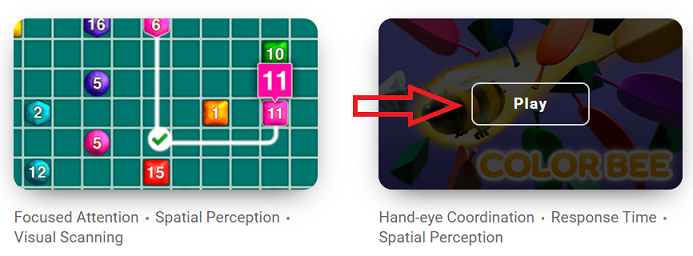
1.1 On your computer, choose the game you want to play
You can see how to get there through our “Where are the games?” article. Hover your mouse over the selected game and click on Play.
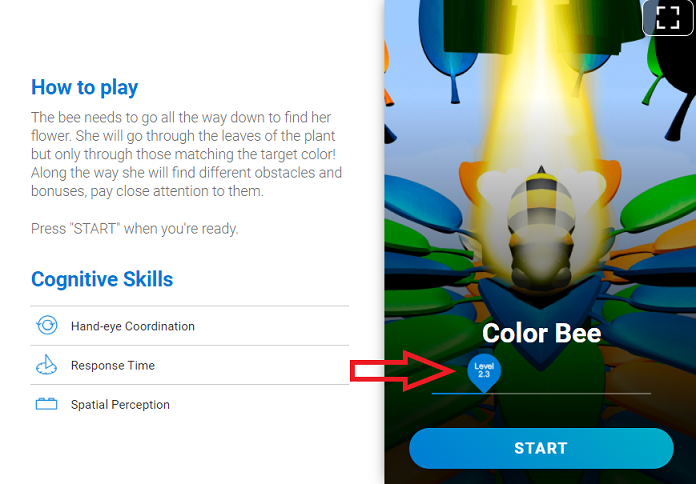
1.2 Slide the level bar to the level you want to start at
Level 1.0 will always be the tutorial
2. If you are using the mobile app
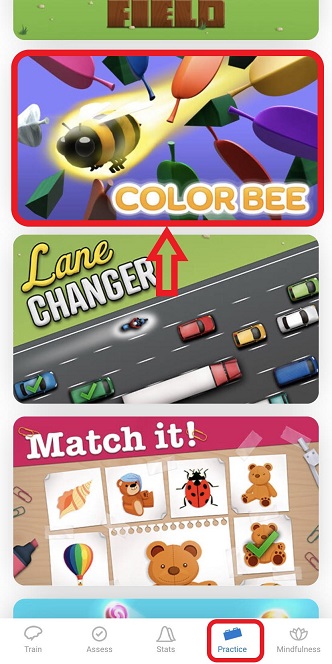
2.1. On your mobile app, choose the game you want to play
You can see how to get there through our “Where are the games?” article.
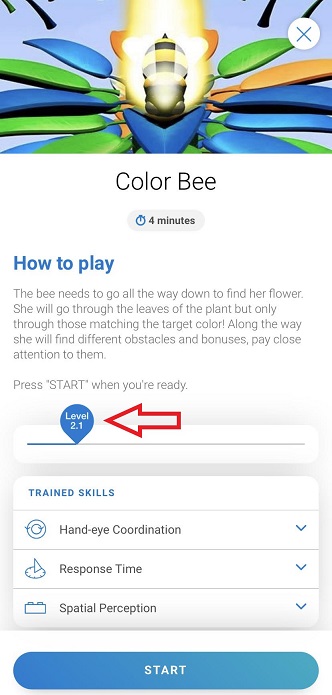
2.2 Slide the level bar to the level you want to start at
The first time you play a game, you will need to press ‘Start‘ to before the slider will appear.
Level 1.0 will always be the tutorial
If you have any questions you can contact our support team by sending an email to support@cognifit.com