 by
by 1. Go to your health care professional/teacher account. A training license is used when assigning games. To assign access to games, add a patient or student to the platform, and then assign them a training license, following the section 5.2 of this article (for patients) and the section 5.2 of this article (for students).
Note: When assigning a training license, select the “Game Access” option.
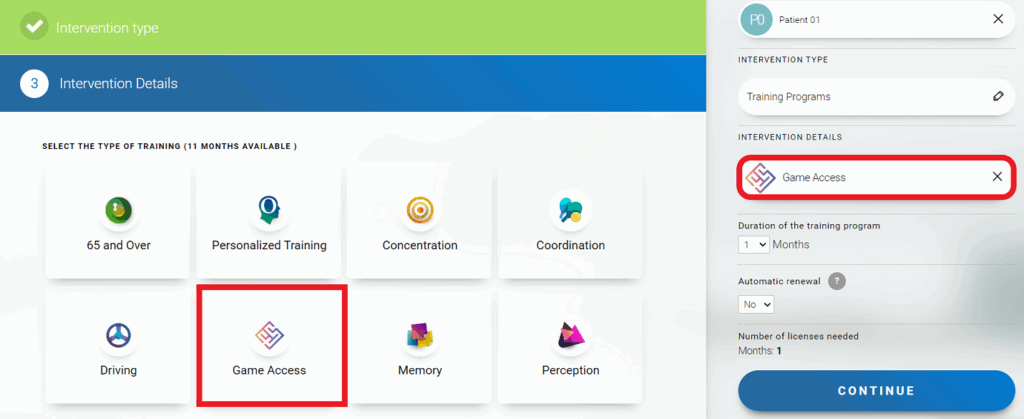
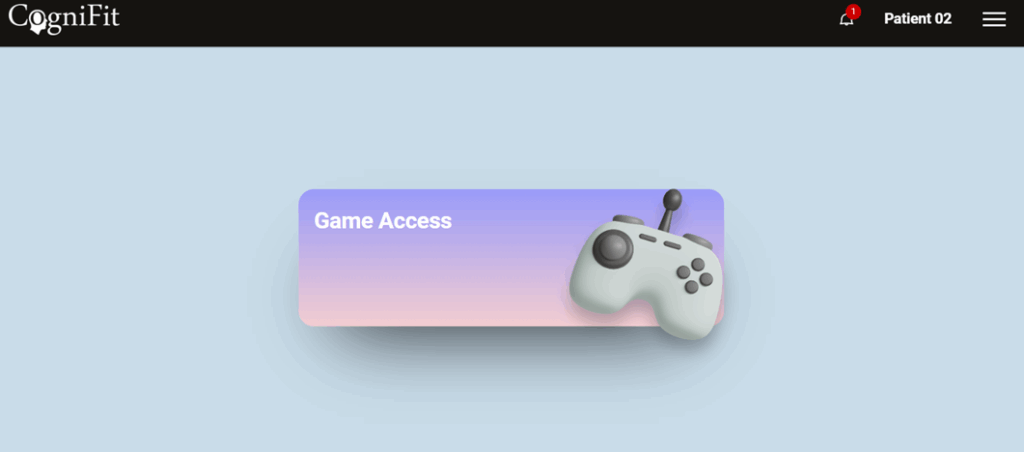
2. Once these steps are completed, your patient/student will have access to the games in their account. Click on “Game Access” to go to the games page.
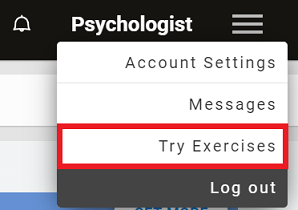
Note: To try the CogniFit games before assigning them to your patients/students, click on the drop-down menu in the upper right corner of the screen of your professional account page and then on the “Try Exercises” option.
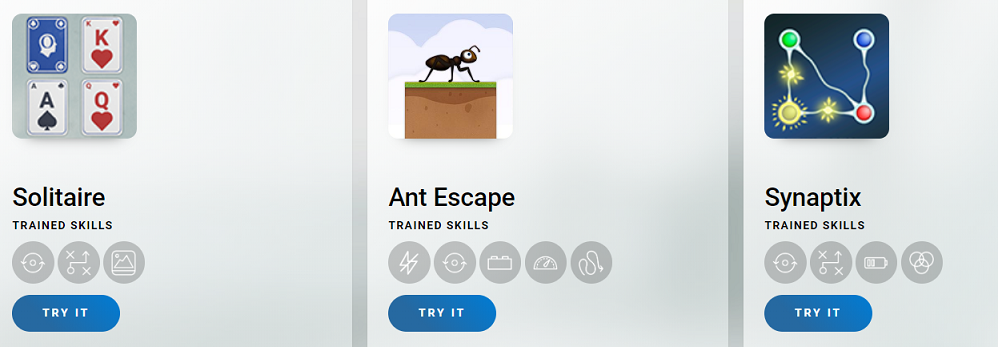
You will be taken to the games page. Select a game and click “Try it”.
If you have any questions you can contact our support team by sending an email to support@cognifit.com