 by
by By logging into their account, patients will see the interventions assigned by their healthcare professional. After completing an assessment or training the patient will be able to see their score in a simplified way. Information about the results is generated automatically.
Regardless of whether the patient uses a computer or a mobile app, they will see the following results at the end of the cognitive intervention:
1. Assessment results
After completing the assessment, the patient will see his or her overall cognitive score.
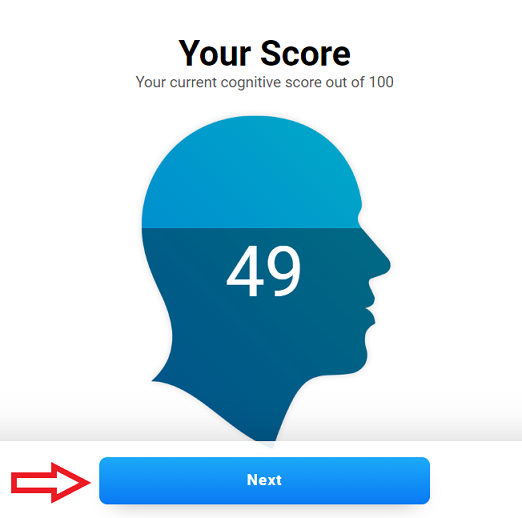
By clicking the Next button, the patient will see a score for each cognitive ability assessed during the test. Scroll to the bottom of the page to see all scores.
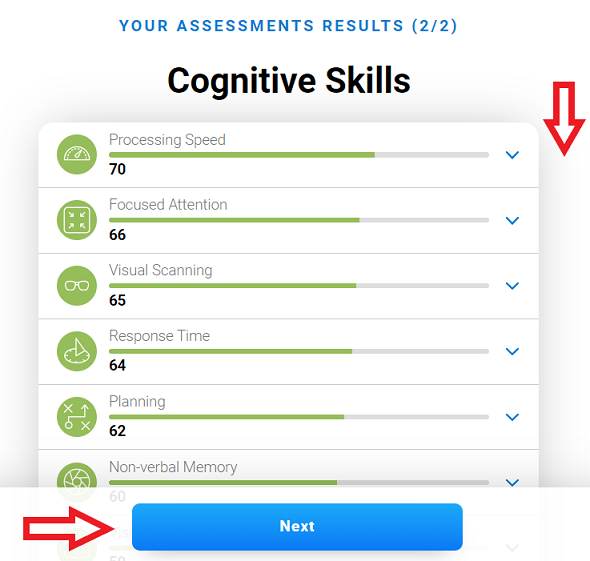
Press the Next button to quit.
2. Training results
The patient can see the overall score obtained in the training session.
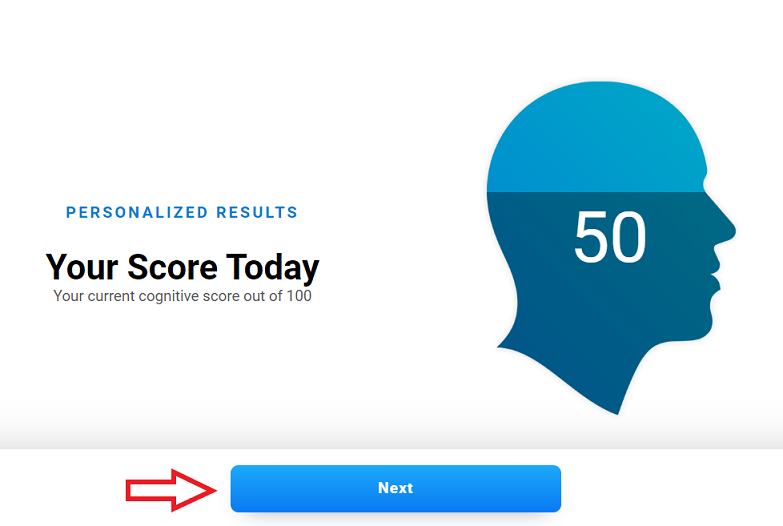
By clicking on Next, the patient will see the scores for each cognitive skill from the training session and their progress.
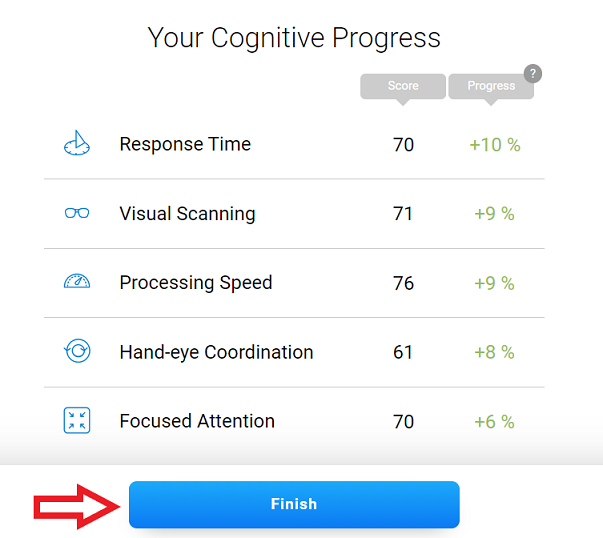
Press the Finish button to exit.
The complete results obtained by the patient will be sent directly to the health professional in charge. The report in pdf format is only available after the patient’s evaluation and only in the account of the responsible health professional.
If you have any questions you can contact our support team by sending an email to support@cognifit.com