 by
by Patients need only complete the cognitive intervention chosen by the professional. In this way, the interface of the patient account is greatly simplified compared to the interface of a professional or individual account.
When a patient registers and logs into the account for the first time, they have to agree to share results with their health care professional.
Note: The professional account is only available in the browser of a personal laptop or desktop computer, but patients can also use mobile devices.
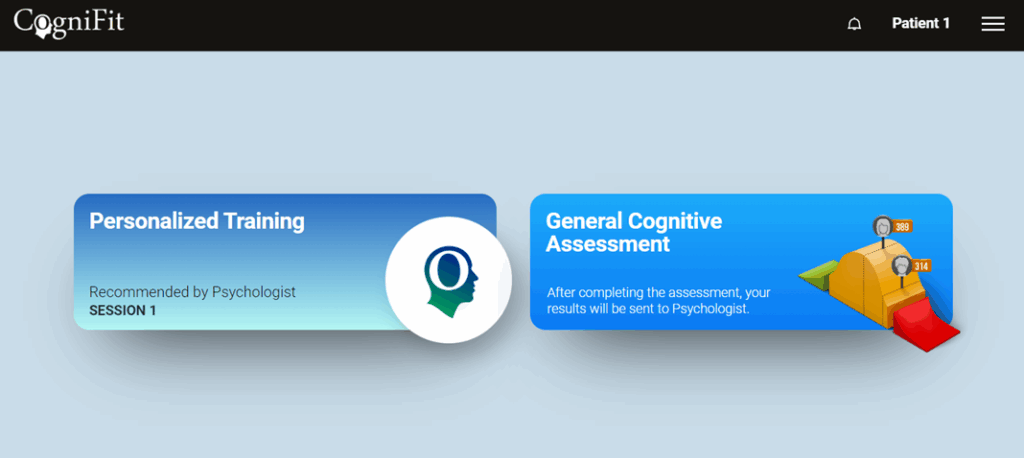
When patients log in to their account, the intervention they need to complete is the first thing they see. We try to keep it as simple as possible to make it patient friendly and easy for the patient.
1. If the patient is using a laptop or desktop computer
The patient has to log in to their account, select the desired intervention and click on it.
2. If the patient uses a mobile device
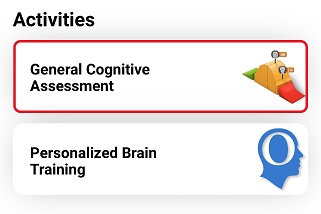
The patient has to access their account through the CogniFit application and click on the desired intervention.
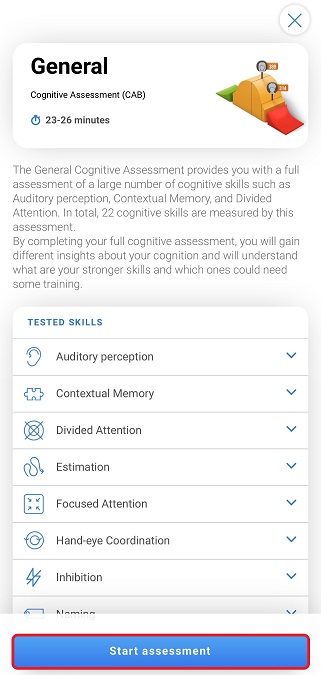
On the page that opens click on the blue button at the bottom of the screen and start the intervention.
The results obtained by the patient will be sent directly to the health professional in charge. The patient will not have access to the full results from their account, but will be able to view their score. More information.
If you have any questions you can contact our support team by sending an email to support@cognifit.com